Compress PDF
Reduce PDF file size for email, uploads, applications, and online forms.
Open Compress PDF →Fix oversized files, clean up unwanted pages, extract the pages you need, and prepare documents for email, applications, and online forms.
Compress a PDFRemove pages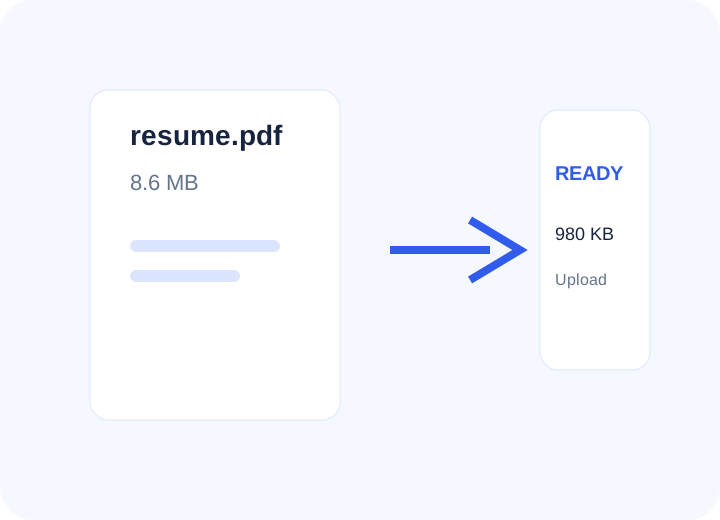
Most PDF tasks begin with a simple problem: the file is too large, the document has extra pages, or the pages are in the wrong order. PDFSolveIt puts the useful workflow first.
Focused tools for common document workflows, with plain-English explanations of what each one does.
Reduce PDF file size for email, uploads, applications, and online forms.
Open Compress PDF →Delete unwanted, duplicate, or blank pages from a PDF.
Open Remove PDF Pages →Pull specific pages out of a PDF into a separate file.
Open Extract PDF Pages →Move selected pages to the front of a PDF to create a new order.
Open Reorder PDF Pages →Separate a multi-page PDF into individual page files.
Open Split PDF →Combine multiple PDF files into one document.
Open Merge PDF Files →A tool page should answer more than “where do I click?” Our guides explain file-size limits, page selection, common mistakes, and what to check before submitting a document.
Use the right workflow for the requirement you actually have: a size limit, page limit, file-format requirement, or simple document cleanup.
Practical guides built around real tasks rather than generic PDF definitions.
Use a target-size workflow and check readability before uploading.
Read the guide →Understand file size, images, scans, and common attachment limits.
Read the guide →Choose exact pages, keep the original, and verify the final sequence.
Read the guide →Prepare documents for email attachments, applications, and upload limits.
Remove, extract, reorder, or split pages when a document needs editing.
Complete common PDF tasks without installing desktop software.
Start with the situation you are trying to solve.
Reduce PDF size for email and upload limits.
Compress PDF →Remove unwanted pages from a document.
Remove pages →Extract only the pages you need.
Extract pages →